Move money between jars in Flowjar: Add to jar, Take out and Paid from jar
Move money in or out of a Flowjar jar, pick which jar an expense is paid from, and see what each move does to your balance, Set aside and Safe to spend.
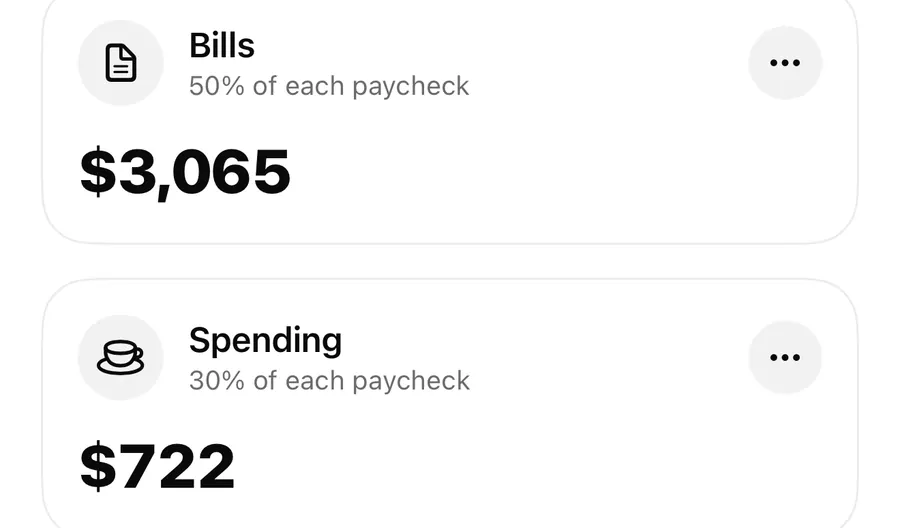
Short answer
Tap a jar in Flowjar to open Move money, then choose Add to jar to put money from your balance into it, or Take out to send money from the jar back to your balance. Moves never change your balance; they only label what the money is for. When you add an expense, Paid from jar decides which jar it comes out of.
Jars are only useful if they keep up with real life. Plans change: the car needs tires, a trip gets cheaper, or a month of overtime gives you extra to put away. Flowjar lets you shift money between your jars and your balance in a couple of taps, on your iPhone, without a bank login.
What a move actually does
A jar in Flowjar is a label on part of your balance, not a separate account. So a move never adds or removes money; it changes which job the money has.
- Balance stays exactly the same after any move.
- In jars (the tile at the top of the Jars screen) goes up or down by the amount you move.
- Set aside changes only when the jar is a Savings or Goal jar, because only those two types are kept out of Safe to spend.
That last point is the one that matters day to day. Putting $100 into your Bills or Spending jar leaves Safe to spend today where it was. Putting $100 into a Savings or Goal jar raises Set aside by $100, and Safe to spend drops to match. Taking money out of a savings jar does the opposite. The Safe to spend post shows the full formula.
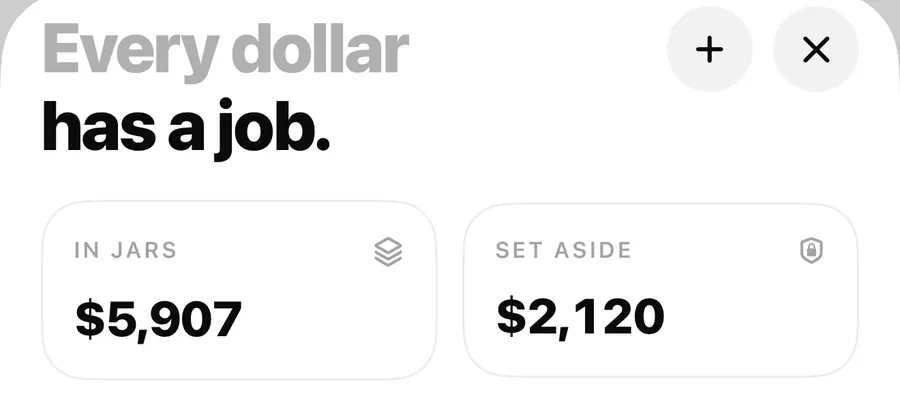
Add to jar and Take out
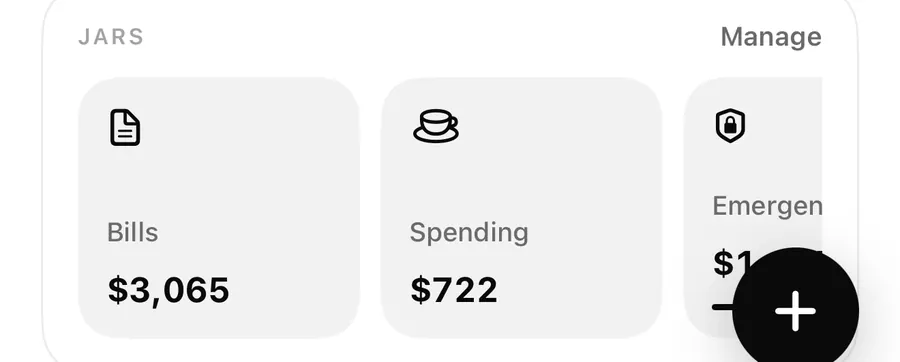
Each jar card on the Jars screen opens the Move money sheet when you tap it. You can also tap the round ⋯ button on the card and choose Move money (the same menu has Edit jar).
The sheet has two options at the top:
- Add to jar moves money from your balance into this jar.
- Take out moves money from this jar back to your balance.
Type the amount on the keypad and tap the button at the bottom. The jar's amount updates at once, and so do In jars, Set aside and Safe to spend if the jar is a savings type.
Move money into a jar
- Open Jars from the button at the top of Today or Activity (or from Manage on the Jars row on Today).
- Tap the jar you want, or tap ⋯ on it and choose Move money.
- Pick Add to jar or Take out.
- Type the amount on the keypad.
- Tap Add to jar or Take out to save it.
Moving from one jar to another
There is no direct jar-to-jar transfer. To shift $50 from Spending to an Emergency fund jar, do it in two moves: Take out $50 from Spending, then Add to jar $50 in the Emergency fund. Your balance doesn't change at any point, and the two moves together have the same effect as a transfer.
Paid from jar: where an expense comes out
When you add an expense with the + button, tap the note row (Add a note) to open Details. There you'll find Paid from jar. It starts on your Spending jar, and you can switch it to any other jar or to None.
| Paid from jar | What happens |
|---|---|
| Spending (the default) | The expense lowers your balance and the Spending jar. |
| A Savings or Goal jar | The expense lowers your balance, that jar and Set aside. |
| None | The expense lowers your balance only. No jar changes. |
Expenses added with quick add come out of the Spending jar automatically. When you tap Pay on a bill, the payment comes out of your Bills jar, which is why that jar shrinks as the month goes on.
A jar can go below zero. If you pay $60 from a jar that holds $40, the card shows the amount in red. That's a signal to top it up with Add to jar or move the expense to another jar.
Editing an entry later and changing Paid from jar (or the amount) moves the effect to the new jar. Deleting an entry also removes what it took out of its jar.
Deleting a jar
Open a jar's editor (⋯ then Edit jar) and tap Delete jar. Flowjar asks first and explains: Its money goes back to your balance. Your entries stay.
In practice that means the jar and all its moves are removed, so the money it held becomes unassigned again. Your balance doesn't change, because it never left. Entries that were paid from that jar stay in Activity. If the jar was a Savings or Goal jar, Set aside drops and Safe to spend goes up by what it held.
A worked example
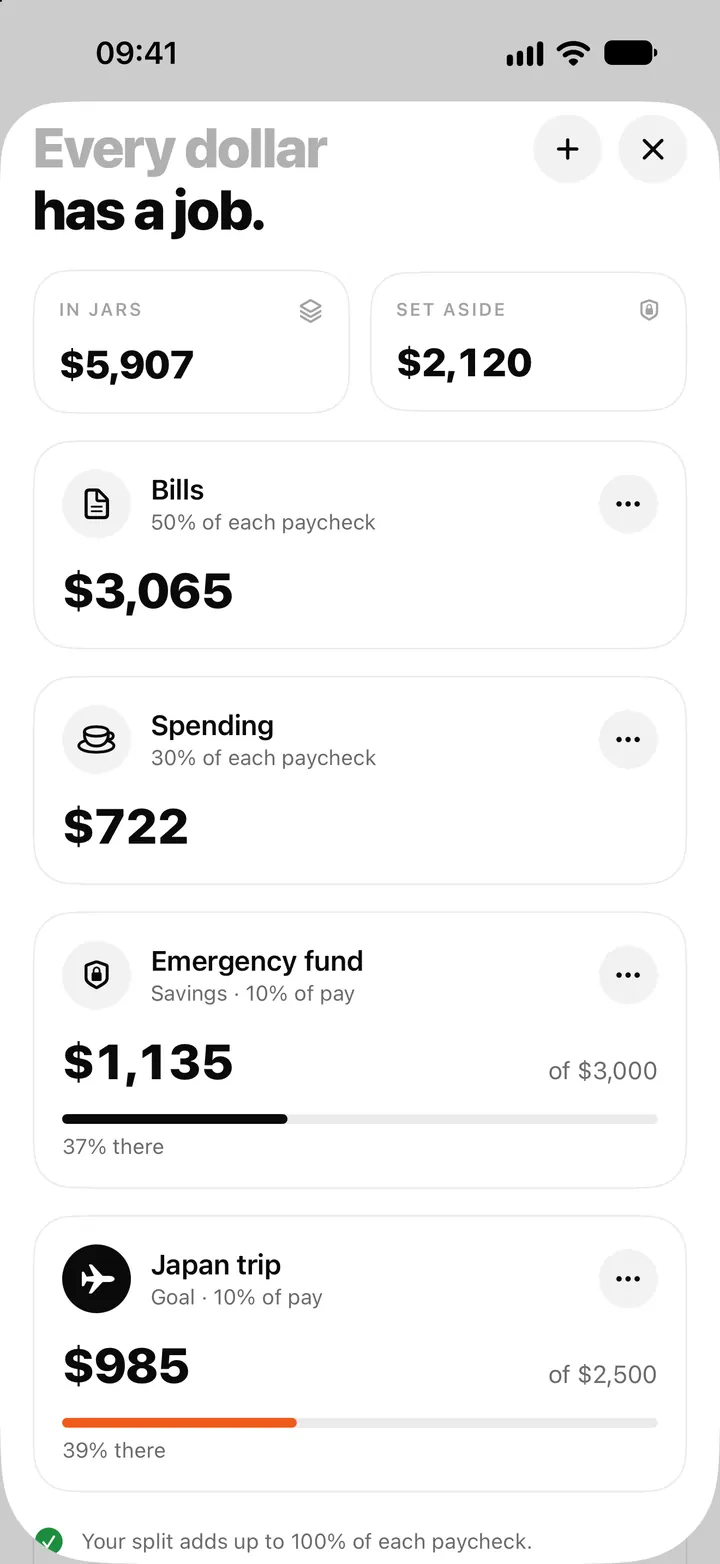
In the sample plan in the screenshots, Alex has $2,120 set aside: $1,135 in an Emergency fund jar and $985 in a Japan trip jar. Say a $200 car repair comes up. Alex has two honest options:
- Pay it from Spending and accept a lower Safe to spend for the rest of the pay period.
- Add the expense with Paid from jar set to Emergency fund. The jar drops to $935 and Set aside falls to $1,920, so the repair comes out of the money that was put aside for exactly this.
Either way, Flowjar shows the trade-off instead of hiding it. Neither choice is a recommendation; it depends on what you want the money to do.
FAQ
Does moving money into a jar lower my balance?
No. The balance stays the same. A move only changes which jar the money belongs to. If the jar is a Savings or Goal jar, Safe to spend goes down because that money is now set aside.
Can I move money straight from one jar to another?
Not in one step. Take it out of the first jar, then add it to the second. The result is the same.
Which jar does an expense come out of?
The Spending jar by default. Change it under Paid from jar in the entry's details, or pick None to leave every jar alone.
What happens to the money when I delete a jar?
It goes back to your unassigned balance. Your entries stay in Activity. See money jars and the paycheck split for setting jars up again, or ask us on the support page.
Download Flowjar and give every dollar a job you can change in two taps.
Keep reading
Money jars in Flowjar: split each paycheck into bills, spending and savings
Flowjar splits each paycheck across jars for bills, spending, savings and goals. Learn the four jar types, how shares work and what each does to Safe to spend.
Read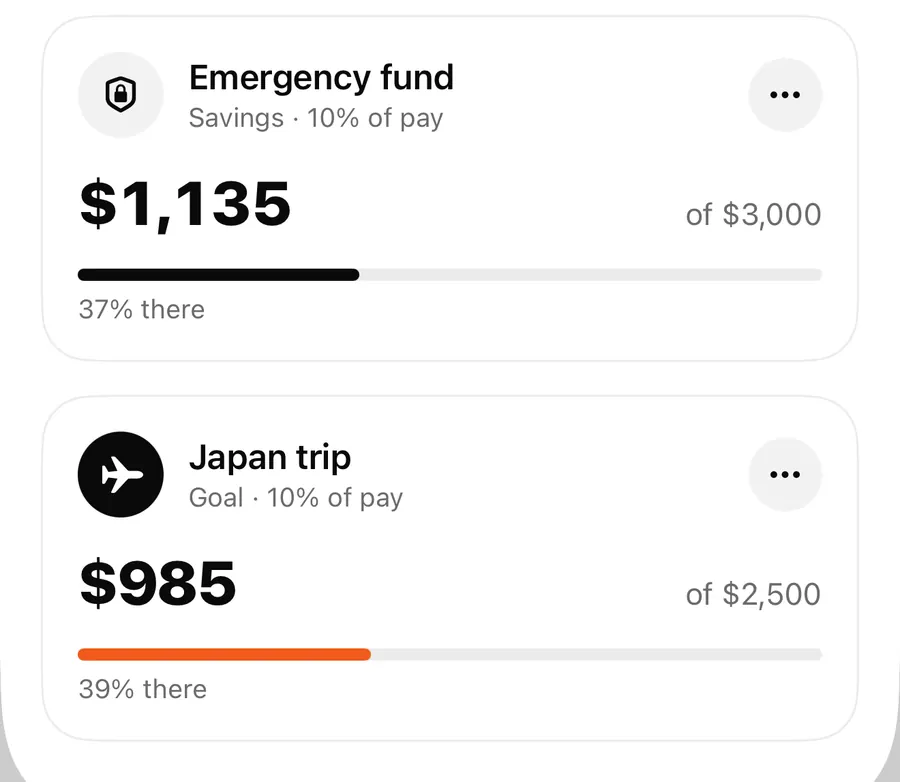
Savings goals in Flowjar: Goal and Savings jars with a target
Set a target on a Flowjar Savings or Goal jar to track progress as N% there, keep that money out of Safe to spend, and estimate what to put in each month.
ReadFill my jars: log your paycheck and split it on payday in Flowjar
Flowjar never logs your paycheck by itself. On payday, add it as income with Fill my jars on and it is shared across your jars. Here is how, plus side income.
ReadWhat is envelope budgeting, and can you use it with Flowjar?
Learn how envelope budgeting assigns money to purposes and how jars, bills and forecasts can work together in Flowjar.
Read guide