Flowjar Free vs Pro: what's included, the plans and CSV export
Most of Flowjar is free. Flowjar Pro adds a 90-day forecast, unlimited jars and bills, and CSV export. See what each plan includes and what happens if Pro ends.
Short answer
The free version of Flowjar covers daily budgeting: Safe to spend, the 30-day forecast, up to 4 jars, up to 5 bills and unlimited entries. Flowjar Pro adds four things: the 90-day forecast, unlimited jars & goals, unlimited bills and CSV export. Pro comes as a lifetime purchase, a yearly plan with a 3-day free trial, or a monthly plan. If Pro ends, nothing you entered is deleted.
Many budgeting apps lock basic features behind a subscription. Flowjar keeps the everyday parts free and puts a few planning extras in Pro. This post lists exactly what sits on each side so you can decide whether you need Pro at all.
What's free
Everything below works without paying, with no time limit:
- Safe to spend today, with the How Flowjar works explanation
- The 30-day forecast with its end balance and lowest point
- Up to 4 jars (setup already creates four: Bills, Spending, Savings and Goals)
- Up to 5 bills, with Pay, Undo and day-before reminders
- Unlimited entries, plus Activity list, calendar and stats
- Search, quick add and receipt scan
- Widgets, the Live Activity, Siri, Shortcuts and Controls
- Lock with Face ID
- All nine money tools
- All 12 languages
For many people paid on a regular schedule with a handful of bills, that's the whole app.
What Flowjar Pro adds
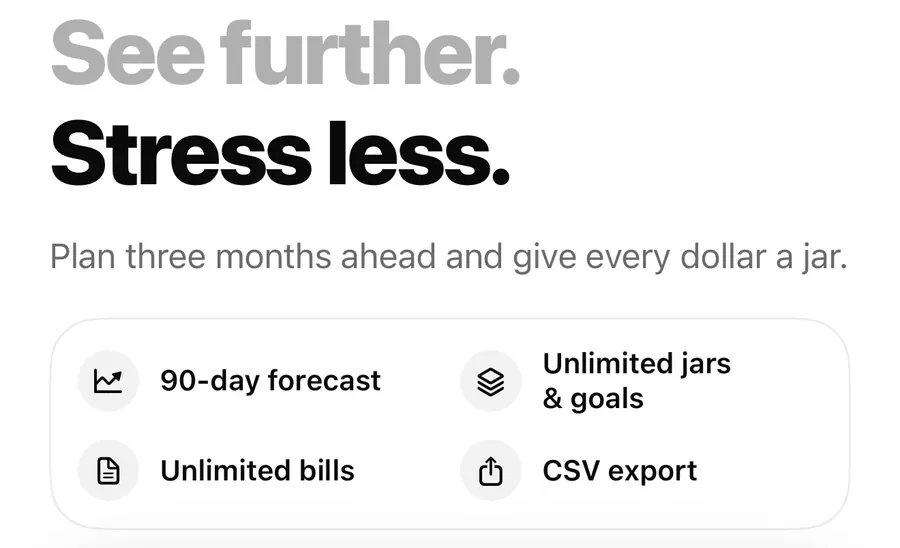
| Pro feature | Free | Pro |
|---|---|---|
| Forecast | 30 days | 30 or 90 days |
| Jars & goals | Up to 4 | Unlimited |
| Bills | Up to 5 | Unlimited |
| CSV export | — | Export to CSV |
- 90-day forecast: tap 90D on the forecast card to see about three months ahead, which helps with yearly bills and goals further out. The forecast post explains how it's calculated.
- Unlimited jars & goals: add a fifth jar and beyond, for example a separate Goal jar for each trip or purchase. See money jars.
- Unlimited bills: track more than five bills.
- CSV export: save your entries as a spreadsheet file.
The plans
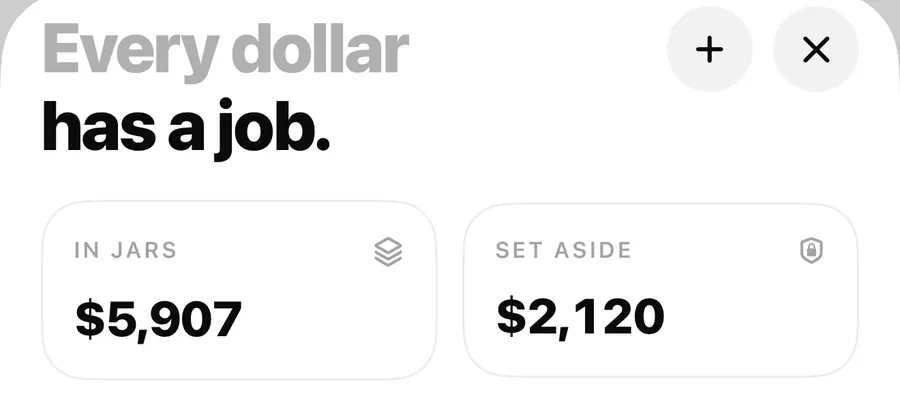
The Pro screen offers three ways to pay:
- Lifetime: one payment, no subscription. It's selected by default.
- Yearly: a subscription that starts with a 3-day free trial.
- Monthly: a subscription billed each month.
Prices are shown in the app in your local App Store currency, so they aren't listed here.
The Pro screen appears once right after setup. You can close it and keep using the free version. After that it appears when you tap something that needs Pro: the 90D chip, adding a fifth jar or a sixth bill, Export to CSV, or Upgrade in Settings.
CSV export
With Pro, open Settings > Data > Export to CSV. Flowjar builds a file called Flowjar-activity.csv and opens the iOS share sheet so you can save it to Files, send it to yourself or open it in a spreadsheet app.
The file has one row per entry, oldest first, with these columns:
| Column | What it contains |
|---|---|
| date | The entry date, as year-month-day |
| type | expense or income |
| category | A short category code, such as food, transport or salary |
| amount | The amount, negative for expenses |
| currency | Your plan's currency code, such as USD |
| note | The note, in quotes |
The export covers entries. Jars, jar moves and bills aren't in the file. Flowjar has no CSV import, so the file is a copy for your records or your own analysis, not a backup you can load back. The guide Why export a CSV from a budgeting app? has ideas for using it.
Export your entries
- Open Settings and go to Data.
- Tap Export to CSV. On the free plan, a Pro tag is shown and tapping it opens the Pro screen.
- In the share sheet, choose Save to Files or the app you want to open it in.
- Open the file in a spreadsheet app and filter by date or category.
Restore, manage and what happens when Pro ends
- Restore purchases is in Settings > Data. Use it on a new iPhone or after reinstalling.
- When a subscription is active, Manage subscription appears at the top of Settings and opens Apple's subscription page.
- When Pro is on, the top row of Settings reads Flowjar Pro is on.
If a subscription ends, Flowjar doesn't delete anything. Jars and bills you added beyond the free limits stay and keep working. You just can't add more until you're back under the limit or on Pro again. The 90D forecast and Export to CSV lock again.
FAQ
Is Flowjar free to use?
Yes. Safe to spend, the 30-day forecast, up to 4 jars, up to 5 bills, unlimited entries and all money tools are free with no time limit.
Do I lose my extra jars if my subscription ends?
No. Nothing is deleted. Extra jars and bills keep working; you just can't add new ones over the free limits.
How do I restore Pro on a new iPhone?
Open Settings > Data and tap Restore purchases. Your entries don't move between devices, though, because Flowjar has no sync.
Does Pro include a backup?
No. CSV export gives you a copy of your entries in a spreadsheet file, but it can't be imported back into Flowjar.
Download Flowjar and start with the free version.
Keep reading
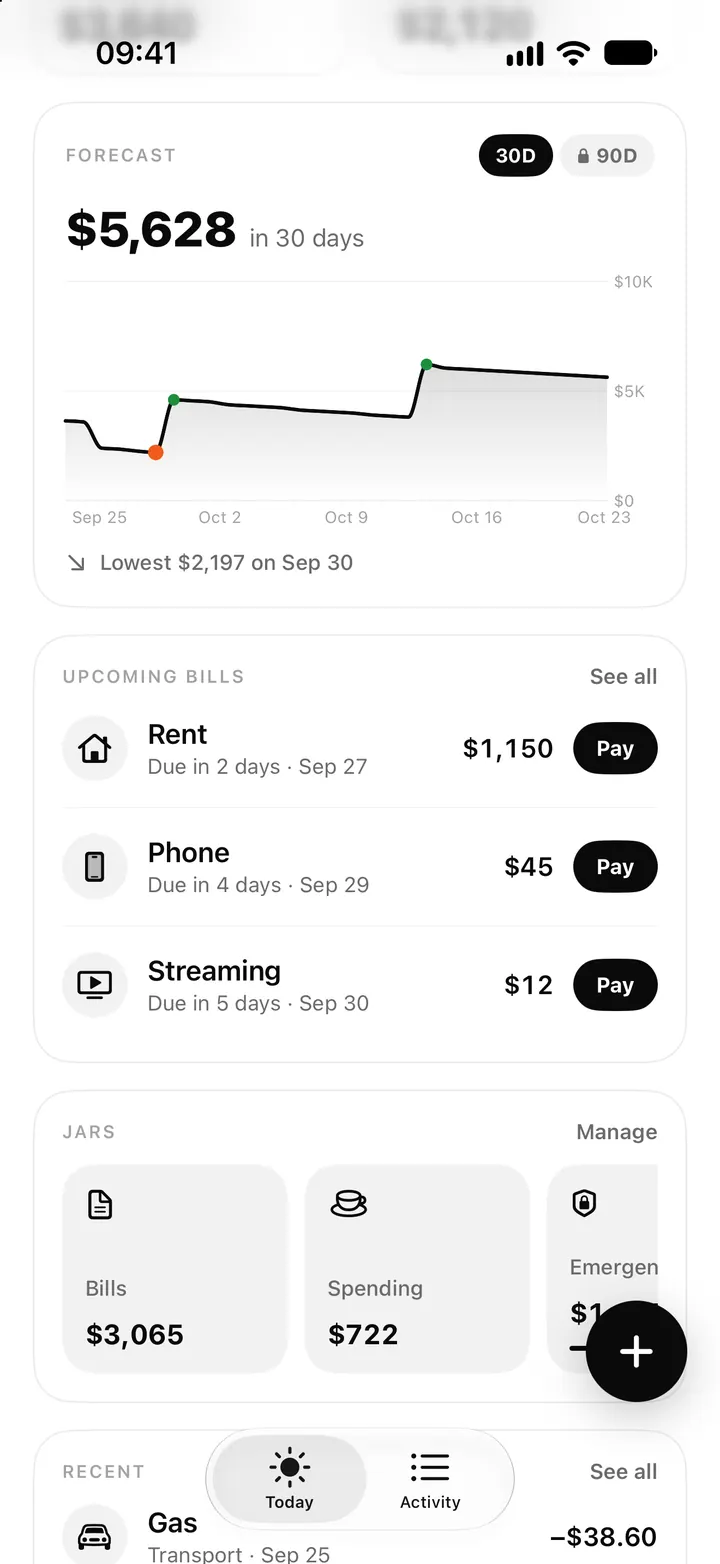
Cash flow forecast on iPhone: how Flowjar projects 30 and 90 days
Flowjar projects your balance day by day from paydays, bills and your usual spending. See how the 30 and 90-day forecast works and how to read the lowest point.
Read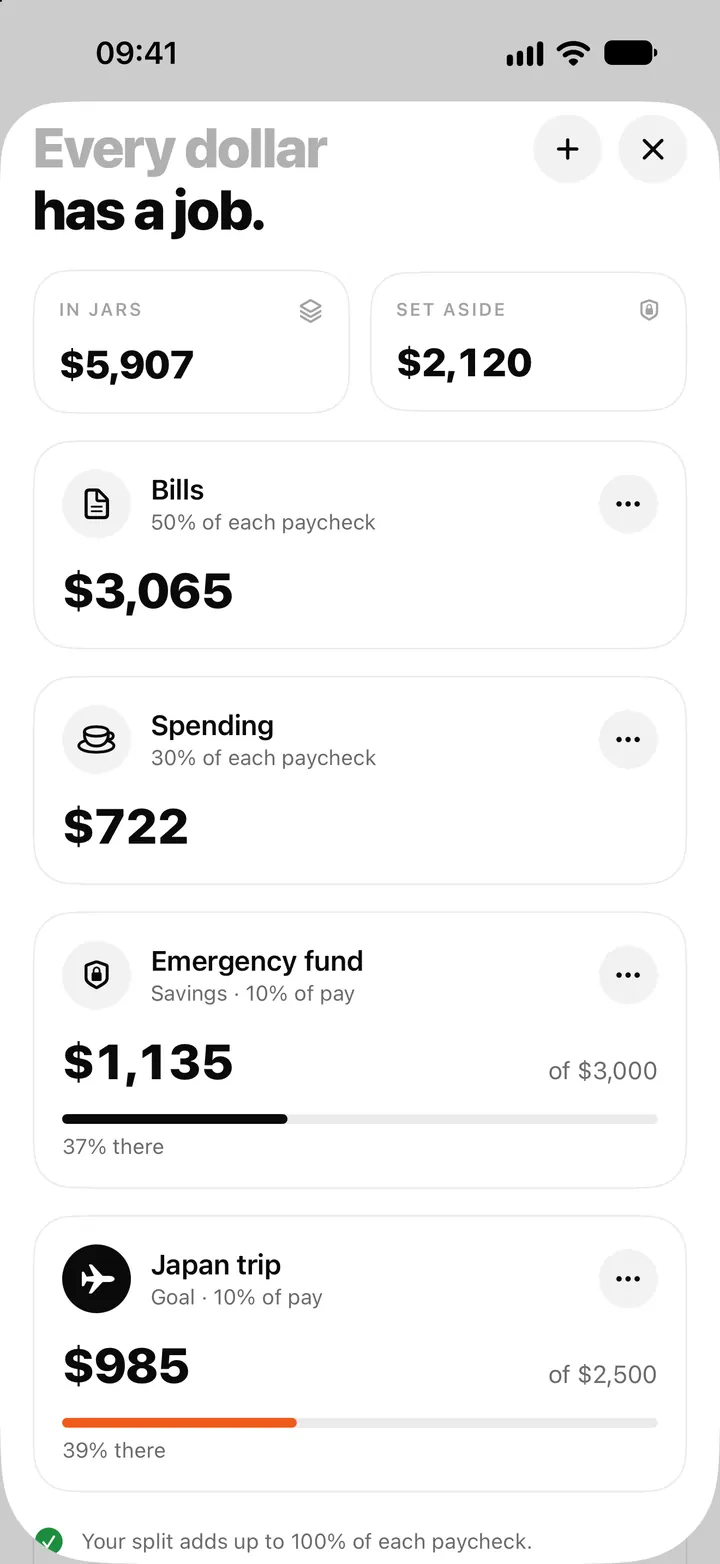
Money jars in Flowjar: split each paycheck into bills, spending and savings
Flowjar splits each paycheck across jars for bills, spending, savings and goals. Learn the four jar types, how shares work and what each does to Safe to spend.
Read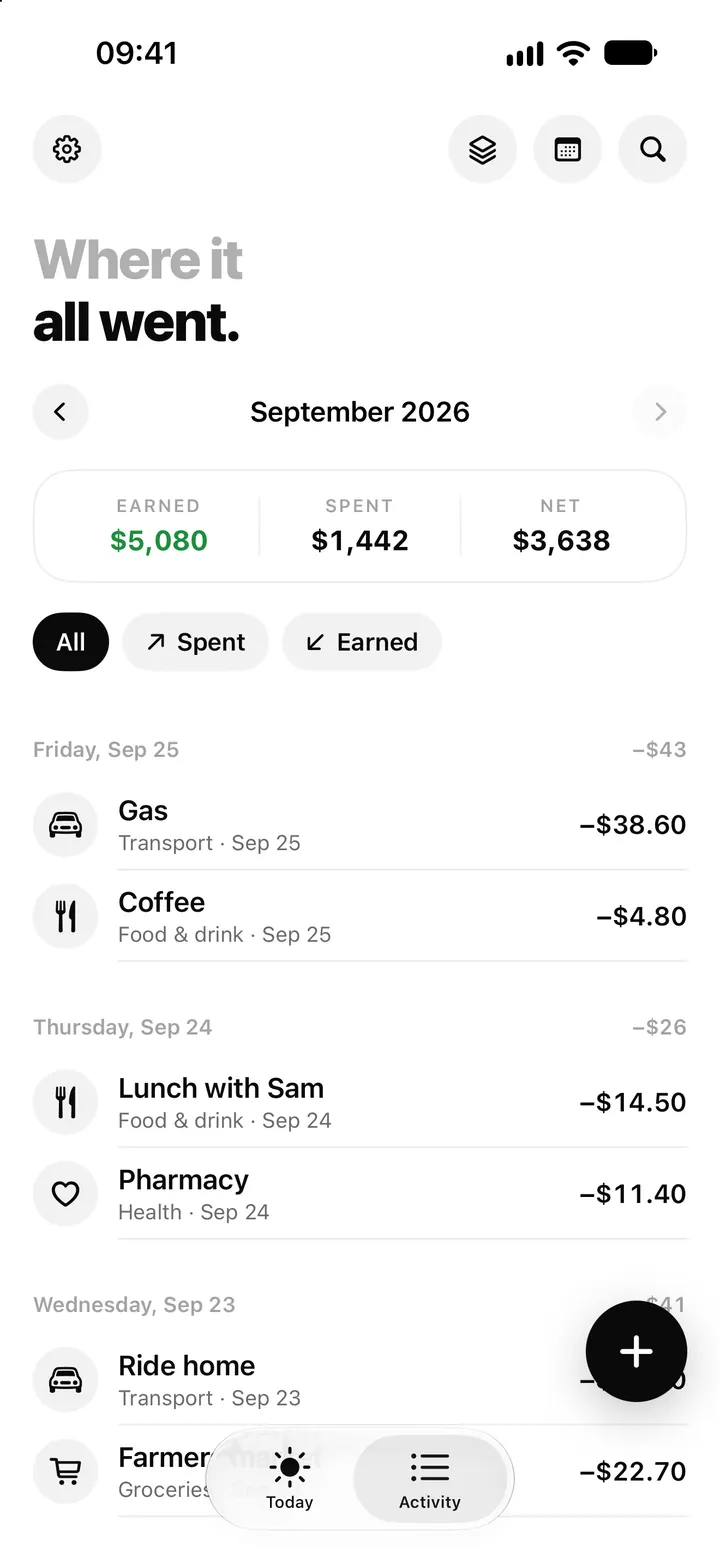
Flowjar Activity: list, calendar and back-filling a missed day
Flowjar Activity shows every entry by month as a list or a calendar, with Earned, Spent and Net. Tap to edit, swipe to delete, or tap an empty day to fill it.
ReadIs Flowjar Pro Worth It? Decide from Your Real Planning Needs
Compare Flowjar Free and Pro by forecast horizon, goals and usage habits instead of looking only at the subscription price.
Read guide