Flowjar privacy: on-device data, Face ID lock and Erase all data
Flowjar keeps your entries, jars and bills on your iPhone with no account or bank login. See how Face ID lock, anonymous usage and Erase all data work.
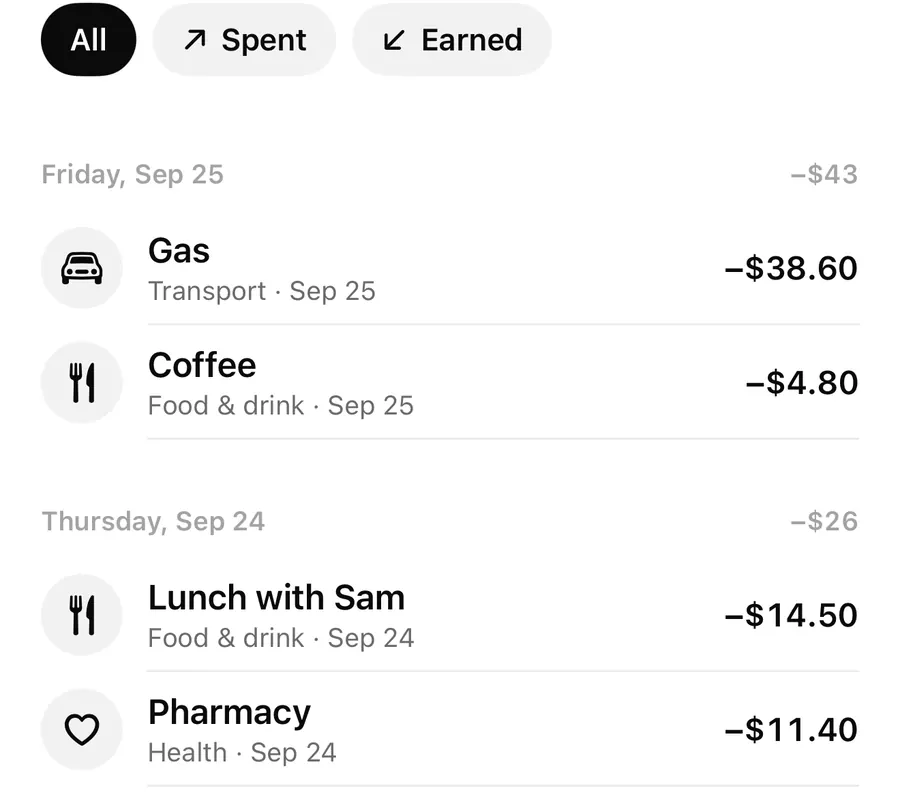
Short answer
Flowjar stores your entries, jars and bills on your iPhone. There is no account to create and no bank login. You can turn on Lock with Face ID so the app, its widgets and its Live Activity stay hidden until you unlock. An optional Share anonymous usage setting, on by default, never includes amounts, notes or names. Erase all data deletes everything and can't be undone.
Money apps often start by asking for an email, a password and a bank login. Flowjar asks for none of them. The welcome screen says it plainly: no account, no bank login, and your data stays on this iPhone. This post covers what that means in practice and which privacy controls you have.
Where your money data lives
Everything you type into Flowjar is saved in the app's storage on your device: entries, notes, jars, moves between jars, bills and your plan. Widgets read a small summary that Flowjar shares with them on the same device. Flowjar has no server copy of your money data, no iCloud sync and no cloud backup of its own.
That has two sides:
- Nobody else holds your budget. There is no account to break into and no bank connection to leak.
- If you delete the app or lose the phone, Flowjar can't restore your entries from a server, because there isn't one.
Flowjar does use the network for a few things: purchases through the App Store, opening links like the privacy policy or support page, and anonymous usage if you leave it on.
Lock with Face ID
Turn on Settings > Privacy > Lock with Face ID. You'll be asked to confirm with Face ID before the setting changes, so someone holding your unlocked phone can't quietly switch it off.
With the lock on:
- Flowjar shows Flowjar is locked each time you open it and asks for Face ID, with the prompt Unlock Flowjar to see your money.
- The app locks again when it goes to the background, and its content is covered while you switch apps.
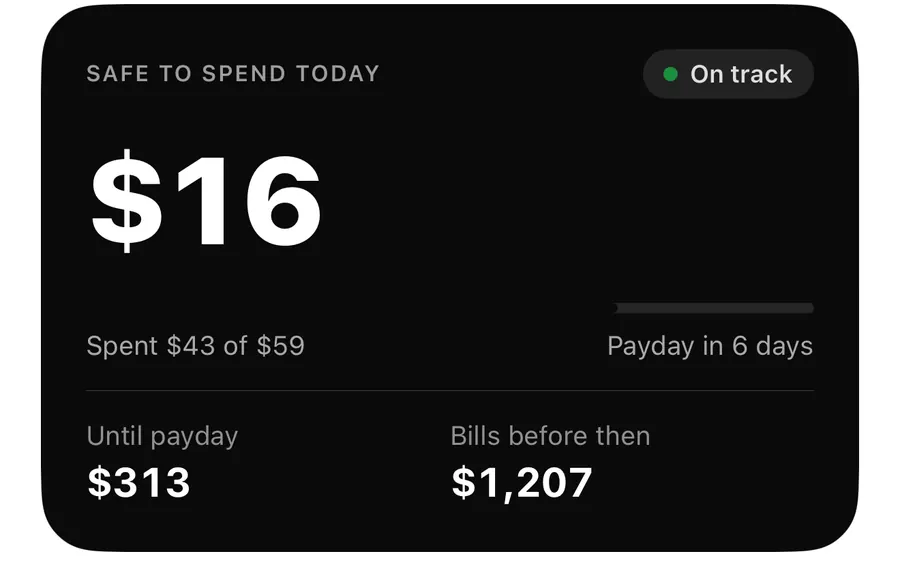
- The Safe to spend widget shows Locked instead of an amount.
- The Live Activity hides the amount and says App Lock is on.
- When you log an expense with Siri, Siri replies only Added to Flowjar. instead of reading today's remaining amount aloud.
Shortcuts, widget buttons and links that open Flowjar wait behind the lock until you unlock. More on these surfaces in widgets and Live Activity.
Set up Flowjar's privacy controls
- Open Settings and scroll to Privacy.
- Turn on Lock with Face ID and confirm with Face ID.
- Decide whether to keep Share anonymous usage on. Turn it off if you prefer to send nothing.
- If you use the Live Activity on a shared desk, check it now shows App Lock is on.
Share anonymous usage
Flowjar uses analytics and crash reports to find bugs and see which features get used. This is controlled by Share anonymous usage in Settings > Privacy. It is on by default, and you can turn it off at any time. Once it's off, nothing more is sent.
The note under the setting sums it up: usage data never includes amounts, notes or names, and your money data stays on this iPhone. What is sent is things like which screen was opened, which feature was used, and broad details such as your currency code, a rough range for how many jars you have, and whether Pro is on. Ad personalization is turned off.
Deleting things is permanent
Flowjar has no trash. When you delete something, it's gone:
- Swiping Delete on an entry in Activity removes it for good.
- Delete bill removes the bill. Past payments stay in your activity.
- Deleting a jar removes its moves, and the money goes back to your balance.
- The one exception is Pay on a bill, which shows Undo for a few seconds.
Erase all data
At the bottom of Settings, Erase all data asks Erase everything? and warns that it deletes all entries, jars and bills on this iPhone and can't be undone. After you confirm, Flowjar goes back to setup as if it were new. Your Share anonymous usage choice is kept. Erasing doesn't cancel a subscription; that's managed by Apple.
Use it when you want a clean start, or when you need a different currency or starting balance, which can't be edited after setup. The languages and currencies post explains why the currency is fixed.
FAQ
Does Flowjar see my bank account?
No. Flowjar never connects to a bank. You enter a starting balance and add income and expenses yourself.
Can I use Flowjar without sending any analytics?
Yes. Turn off Share anonymous usage in Settings > Privacy. Your money data isn't sent either way.
What do widgets show when Face ID lock is on?
The Safe to spend widget shows Locked, and the Live Activity says App Lock is on, so no amounts appear on the Lock Screen.
Can I undo Erase all data?
No. It deletes every entry, jar and bill on the device. If you have Pro, export a CSV first so you keep a record.
Where can I read the full privacy policy?
On the privacy page. For questions, see support.
Download Flowjar and keep your budget on your own iPhone.
Keep reading
Scan a receipt in Flowjar: the total is read on your iPhone
Flowjar reads a receipt's total, shop name and recent date with on-device text recognition, fills in the expense for you to check, and doesn't save the photo.
ReadFlowjar widgets and Live Activity: Safe to spend on your Lock Screen
Put today's Safe to spend amount on the Home Screen, Lock Screen and Dynamic Island with Flowjar's widget and Live Activity, plus Add and Scan buttons.
Read
Flowjar in your language and currency: 12 languages, iPad layout and appearance
Flowjar speaks 12 languages, including Arabic right to left, uses one currency per plan and has an iPad sidebar layout. Here is how to set it up your way.
ReadFlowjar Privacy FAQ: Where Is Budget Data Stored?
Learn whether Flowjar needs an account or bank connection, how manual plans are handled and how to protect exported data.
Read guide