Flowjar Privacy FAQ: Where Is Budget Data Stored?
Budget information can reveal balances, income, bills and personal goals. Before using an app, check whether it requires an account, bank credentials or cloud sync, where data is stored and what happens when you export or share it.
Within the current product scope, Flowjar does not require an account or connect to a bank. Plans are designed around manual entry on the device. That can give you more control over what enters the plan, but you still need to protect the phone and keep copies when necessary.
What does no bank connection mean?
Flowjar does not pull every transaction for automatic categorization. You enter balances, income, bills and important spending. If you forget an update, the forecast may not reflect reality. Use your bank app or statement when you need to confirm a balance.
What should you consider when exporting?
A CSV or screenshot can contain financial information. Share only what is needed, check the recipient and use suitable access controls. Before changing phones or deleting the app, check current data-retention and backup behavior.
Read the current privacy policy and terms before adding sensitive information to any app. See Flowjar privacy.
A simple privacy routine
Enter only what the plan needs, lock the phone with a private passcode, check where CSV files are stored and delete temporary copies after sharing. Do not put passwords, PINs or bank authentication data in notes. When another person helps, review their access and send only the relevant period or amount.
Before exporting, ask whether the recipient needs the full balance, goal names and history. A shortened or redacted copy may be enough. Email, chat and third-party cloud services apply their own policies, so remove copies that are no longer needed and review backups periodically.
Note: Features and policies can change by version. Flowjar is not a bank.
A practical workflow for this topic
When you search for “Flowjar Privacy FAQ: Where Is Budget Data Stored?”, the useful answer is usually a repeatable way to check the detail that matters. Use this Flowjar guide as a starting point, then confirm the current source before acting. The product can organize information and shorten a review; it cannot fill in missing facts or replace a professional decision.
Quick checklist before you act
- Choose the time window you are planning for.
- Record income, bills and set-aside money before judging a daily limit.
- Compare the forecast with the lowest point and upcoming obligations.
- Recheck the plan after a bill, payday or large purchase changes.
Keep the decision traceable: record the version, date and source you relied on when the detail may change.
Detailed step-by-step workflow
This extended section turns “Flowjar Privacy FAQ: Where Is Budget Data Stored?” into a repeatable Flowjar workflow. The goal is not to create a longer checklist for its own sake. It is to make the important inputs visible, show what should be checked first, and leave a useful record of what was known at the time. That approach is especially helpful for cash-flow planning, bills, savings and a safe-to-spend decision. Read the steps in order the first time, then return to the relevant step when the situation changes.
Step 1: Define the question and the record you need.
Start with this action in Flowjar, then pause long enough to verify the result against the original source or observation. For “Flowjar Privacy FAQ: Where Is Budget Data Stored?”, record the date, the relevant context and anything that was not available. A structured record is more useful when another person can understand what was checked without guessing what happened between two screenshots, notes or exports.
Step 2: Gather the original inputs before interpreting the result.
Start with this action in Flowjar, then pause long enough to verify the result against the original source or observation. For “Flowjar Privacy FAQ: Where Is Budget Data Stored?”, record the date, the relevant context and anything that was not available. A structured record is more useful when another person can understand what was checked without guessing what happened between two screenshots, notes or exports.
Step 3: Review the result and record uncertainty or missing data.
Start with this action in Flowjar, then pause long enough to verify the result against the original source or observation. For “Flowjar Privacy FAQ: Where Is Budget Data Stored?”, record the date, the relevant context and anything that was not available. A structured record is more useful when another person can understand what was checked without guessing what happened between two screenshots, notes or exports.
Step 4: Save the version, date and next action for later comparison.
Start with this action in Flowjar, then pause long enough to verify the result against the original source or observation. For “Flowjar Privacy FAQ: Where Is Budget Data Stored?”, record the date, the relevant context and anything that was not available. A structured record is more useful when another person can understand what was checked without guessing what happened between two screenshots, notes or exports.
Quality checks and common mistakes
Long-form guidance is most useful when it explains the boundaries as well as the happy path. Before relying on a Flowjar record, run the checks below. They help separate a missing input from a negative result, an approximate value from a verified value, and a convenient summary from the original evidence.
Check 1
Do not start with the conclusion. Write down the question, the person or property involved and the time period first. In Flowjar, keep the source, context and limitation close to the record so the next review can reproduce the decision.
Check 2
Do not mix old and new records without a date. Keep the original observation visible when you add a correction or update. In Flowjar, keep the source, context and limitation close to the record so the next review can reproduce the decision.
Check 3
Do not treat a missing field as proof that the event, ingredient, expense or condition does not exist. In Flowjar, keep the source, context and limitation close to the record so the next review can reproduce the decision.
Check 4
Do not share a polished summary before checking the original image, note, label, receipt or export behind it. In Flowjar, keep the source, context and limitation close to the record so the next review can reproduce the decision.
Check 5
Do not use an app record as a substitute for a professional, medical, legal, financial or safety decision when the situation requires one. In Flowjar, keep the source, context and limitation close to the record so the next review can reproduce the decision.
Frequently asked questions
What should I verify before I rely on this guide?
For “Flowjar Privacy FAQ: Where Is Budget Data Stored?”, use Flowjar to organize the observation and then verify the part that affects the decision. If a source, image, measurement or input is incomplete, mark it as incomplete instead of silently filling the gap. Add a date and a short note about the method used. When the consequence is important or the question sits outside the product’s purpose, confirm it with the current official source or an appropriate professional.
What should I do when the information is incomplete?
For “Flowjar Privacy FAQ: Where Is Budget Data Stored?”, use Flowjar to organize the observation and then verify the part that affects the decision. If a source, image, measurement or input is incomplete, mark it as incomplete instead of silently filling the gap. Add a date and a short note about the method used. When the consequence is important or the question sits outside the product’s purpose, confirm it with the current official source or an appropriate professional.
How can I make the record easier to compare later?
For “Flowjar Privacy FAQ: Where Is Budget Data Stored?”, use Flowjar to organize the observation and then verify the part that affects the decision. If a source, image, measurement or input is incomplete, mark it as incomplete instead of silently filling the gap. Add a date and a short note about the method used. When the consequence is important or the question sits outside the product’s purpose, confirm it with the current official source or an appropriate professional.
When should I ask for another source or a specialist?
For “Flowjar Privacy FAQ: Where Is Budget Data Stored?”, use Flowjar to organize the observation and then verify the part that affects the decision. If a source, image, measurement or input is incomplete, mark it as incomplete instead of silently filling the gap. Add a date and a short note about the method used. When the consequence is important or the question sits outside the product’s purpose, confirm it with the current official source or an appropriate professional.
A practical review before you finish
Before closing this topic, read the title “Flowjar Privacy FAQ: Where Is Budget Data Stored?” as a question rather than a promise. Confirm the current version of the information, check the original evidence, and record the next action in Flowjar. A useful record says what was observed, when it was observed, what remains uncertain and who should review it next. This makes the article easier to apply today and easier to revisit when the facts change.
See the product in action
Related guides
Questions to Ask Before Upgrading to Flowjar Pro
A checklist for evaluating Flowjar Pro by forecast, jars, exports, privacy, cost and real usage.
Is Flowjar Pro Worth It? Decide from Your Real Planning Needs
Compare Flowjar Free and Pro by forecast horizon, goals and usage habits instead of looking only at the subscription price.
Why record spending immediately after a purchase?
Learn why recording spending soon after a purchase keeps Flowjar forecasts, bills and safe-to-spend guidance closer to reality.
Feature walkthroughs
Search in Flowjar: find any entry, jar, bill or money tool in seconds
Flowjar search looks through your notes, categories, amounts, jars, bills and every app feature at once, and History keeps what you opened lately on the iPhone.
Read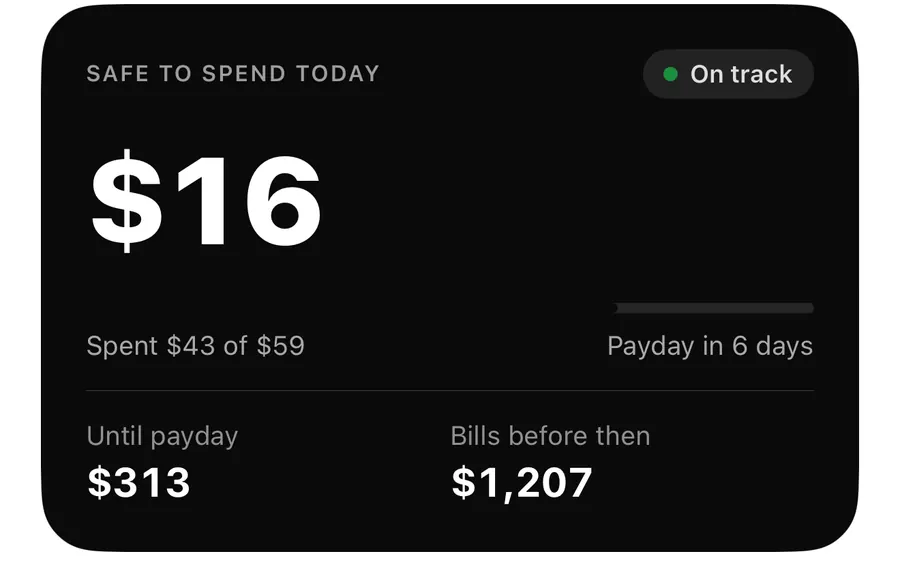
Flowjar widgets and Live Activity: Safe to spend on your Lock Screen
Put today's Safe to spend amount on the Home Screen, Lock Screen and Dynamic Island with Flowjar's widget and Live Activity, plus Add and Scan buttons.
Read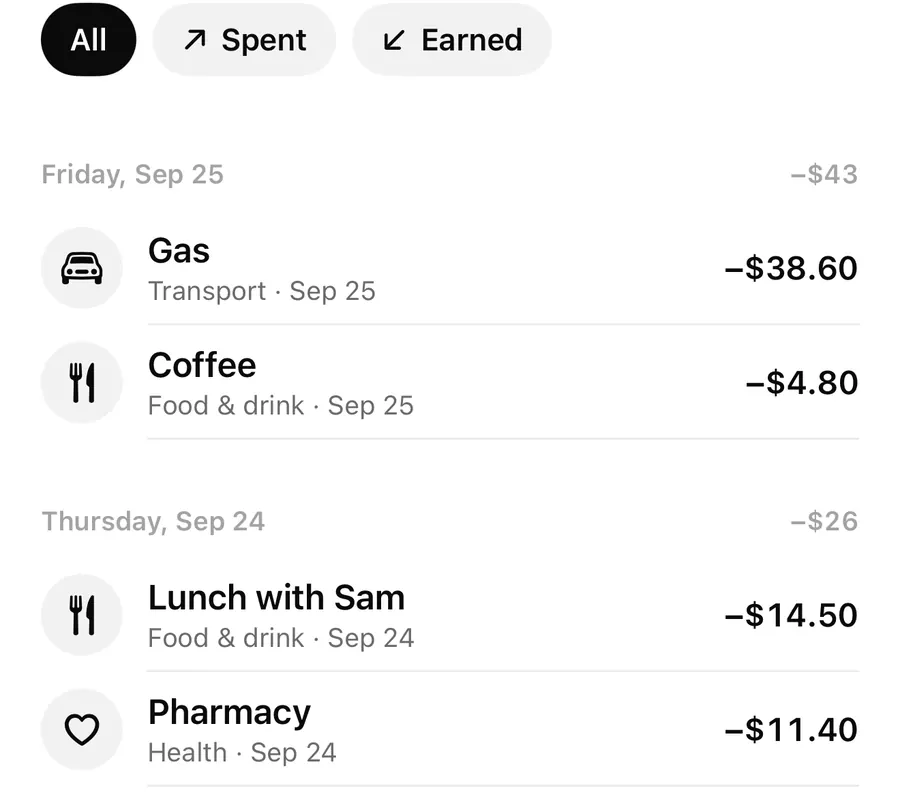
Flowjar with Siri, Shortcuts and Control Center: log spending hands-free
Ask Siri to log an expense without opening Flowjar, check what is safe to spend, and put Quick add or Scan receipt in Control Center or on the Action button.
Read