Flowjar money tools: 9 free loan, debt and savings calculators on iPhone
Flowjar includes nine free calculators for loans, mortgages, car loans, debt payoff, savings goals, compound interest, budget splits and shared trip costs.
Short answer
Flowjar has nine calculators under Money tools: Loan & EMI, Mortgage, Car loan, Business loan & MCA, Debt payoff, Savings goal, Compound interest, Budget split and Split a bill. All nine are free, they use your plan's currency, and they never change your entries, jars or bills. Every result is an estimate, not a loan offer or financial advice.
A budget answers what can I spend this week? Bigger questions come up too: what a car loan really costs, how long a card balance takes to clear, how much to put aside for a trip. Flowjar keeps a set of calculators next to your plan so you can work those out without another app.
Where to find the tools
There are four ways in:
- Settings > Money tools lists all nine, each with a one-line description.
- How Flowjar works has a Money tools card next to the money methods.
- Search shows a Money tools section, and typing words like mortgage, snowball or APR finds the right calculator.
- Today shows one or two tool cards below the forecast, with a question such as Which debt should go first? and a Try it button. The cards change over time, and you can hide one with the close button.
Every calculator you open is added to History, so you can get back to it quickly.
The nine calculators
| Tool | What it works out |
|---|---|
| Loan & EMI | The monthly payment, Total interest, Total of payments, a payoff date and the full schedule. Add Extra each month to see how much interest and time an extra payment saves. |
| Mortgage | Principal & interest plus Property tax, Home insurance, HOA dues and PMI. With less than 20% down it shows when PMI drops off, at 78% of the price. |
| Car loan | Vehicle price, Trade-in value, Still owed on trade-in, Sales tax, Fees and the rate, giving the Amount financed and an Out-the-door price. |
| Business loan & MCA | A Cash advance mode turns a Factor rate and daily or weekly payments into a yearly cost. A Term loan mode shows how an Origination fee raises the true APR. |
| Debt payoff | Lists your debts with Balance, APR and Minimum, then compares Snowball (smallest balance first) with Avalanche (highest rate first). |
| Savings goal | Either the Monthly amount to reach a goal by a date, or the Time to goal for a monthly amount you choose. |
| Compound interest | A Starting amount, Add each month, rate and years, compounded monthly, quarterly or yearly, with a year-by-year table. |
| Budget split | Splits Take-home pay by 50/30/20, 70/20/10, 60/20/20 or Custom envelopes, per month and per week. |
| Split a bill | Add people and shared expenses, say who paid and who shares each one, and Settle up shows who pays whom. |
Each screen ends with the same line: Estimates only — not financial advice.
A worked example: pricing a goal
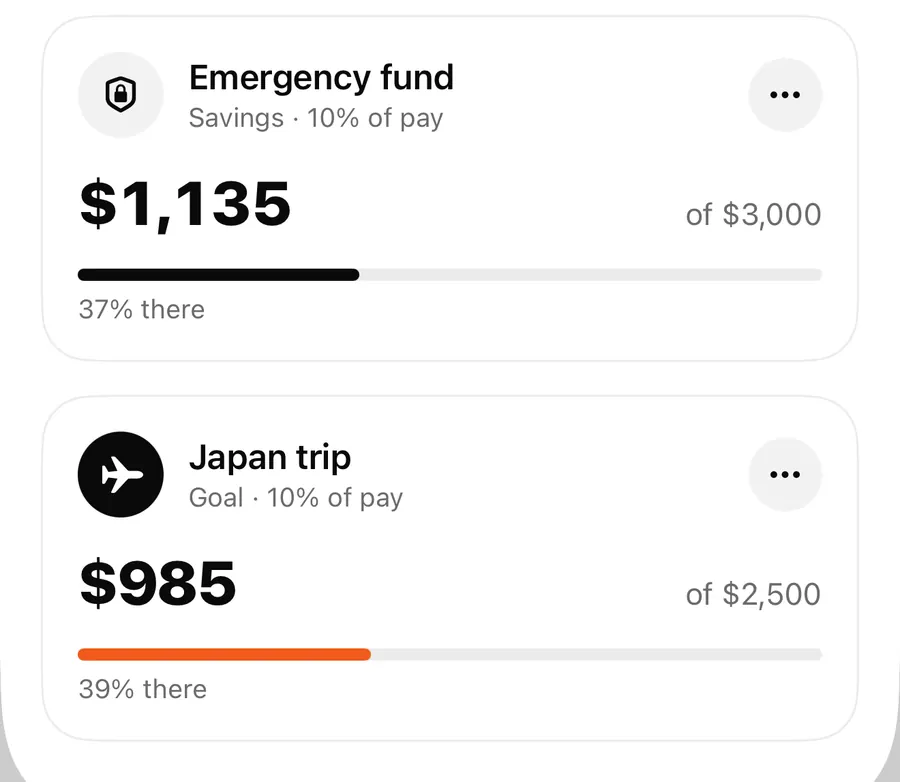
In the sample plan in the screenshots, Alex has a Japan trip Goal jar at $985 of a $2,500 target. Open Savings goal, enter $2,500 as Goal amount and $985 as Already saved, leave Interest at 0 if the money sits in a plain account, and set Reach it in to the number of months until the trip. The tool shows the monthly amount it would take. Switch to Time to goal to try it the other way round: type what you can actually put aside each month and see roughly when you would get there.
The calculator doesn't move money for you. If the number works, you act on it in your plan, for example by raising the jar's Share of each paycheck in the jar editor. The savings goal jars post covers targets and progress in detail.
Turn a loan estimate into part of your plan
- Open Settings > Money tools and tap Loan & EMI.
- Enter the Loan amount, Interest rate and Term, in years or months.
- Read the monthly payment and Total interest. Try a shorter term or Extra each month to compare.
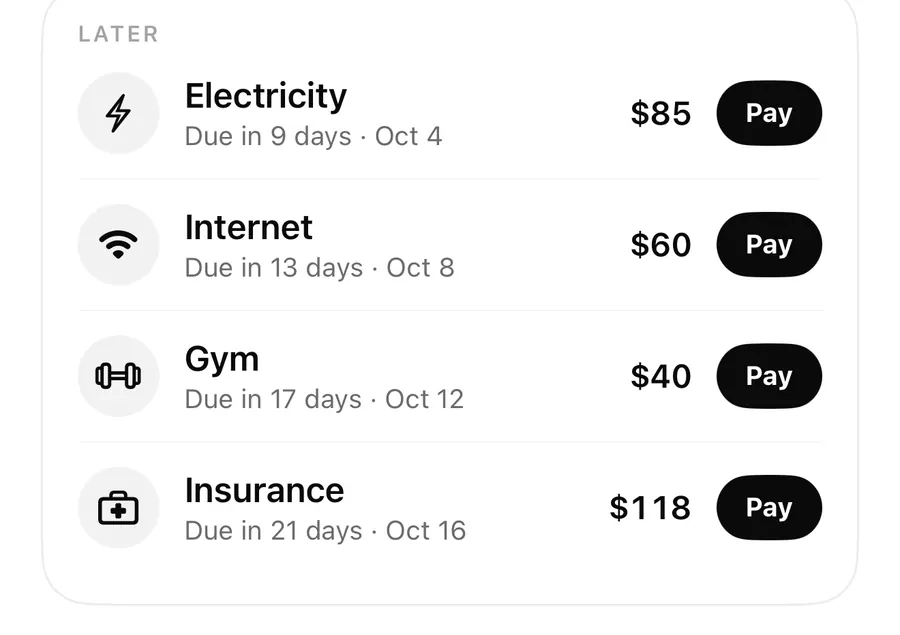
- If you take the loan, open Bills, tap + and add a bill with that payment, Repeats set to Monthly.
- Check the forecast on Today to see how the new payment changes the weeks ahead.
Calculators stay separate from your budget
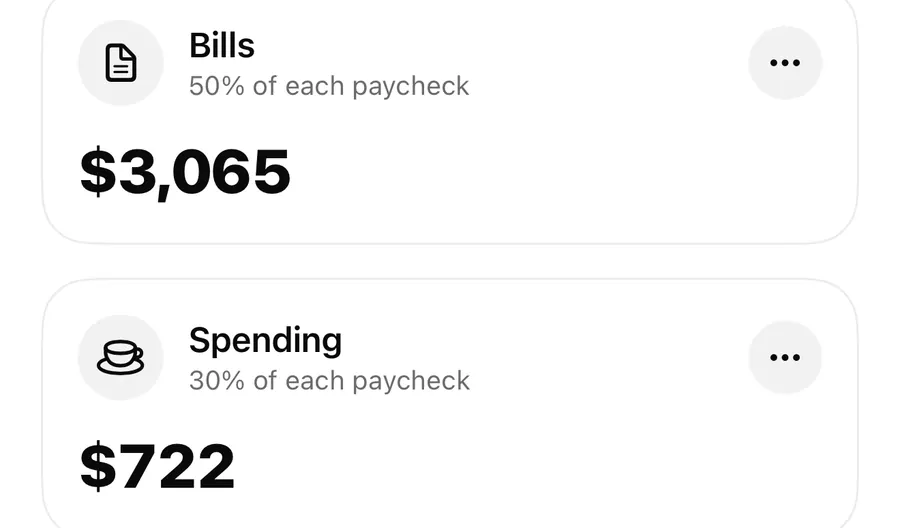
The tools are deliberately kept apart from your money data. Nothing you type in a calculator becomes an entry, a jar or a bill, and nothing in your plan changes when you try different numbers. That makes it safe to play with what-ifs. When you want a result to count, add it yourself: a loan payment becomes a bill on the bills tracker, and a savings amount becomes a jar share in money jars. From then on it shows up in Safe to spend and in the forecast.
In your browser too
Two of the calculators also run on the website. The free tools page has a loan comparison and a savings and investing calculator that work in the browser, and each has an Open in Flowjar button. The other tools are in the app. See the tools section on the home page for the full list.
FAQ
Do the money tools cost extra?
No. All nine calculators are part of the free app. Pro doesn't add or remove any of them.
Which currency do the calculators use?
The currency you picked when you set up your plan. Amounts follow that currency's format, including currencies without decimals.
Will a calculator add a bill or change my Safe to spend?
No. The tools never touch your entries, jars or bills. Add a bill or change a jar share yourself when you want a result to count.
Is the Debt payoff result a recommendation?
No. It shows how Snowball and Avalanche compare with the numbers you entered. Which order suits you depends on more than the math, and Flowjar doesn't give debt advice.
Download Flowjar and work out the numbers before you sign anything.
Keep reading
Savings goals in Flowjar: Goal and Savings jars with a target
Set a target on a Flowjar Savings or Goal jar to track progress as N% there, keep that money out of Safe to spend, and estimate what to put in each month.
Read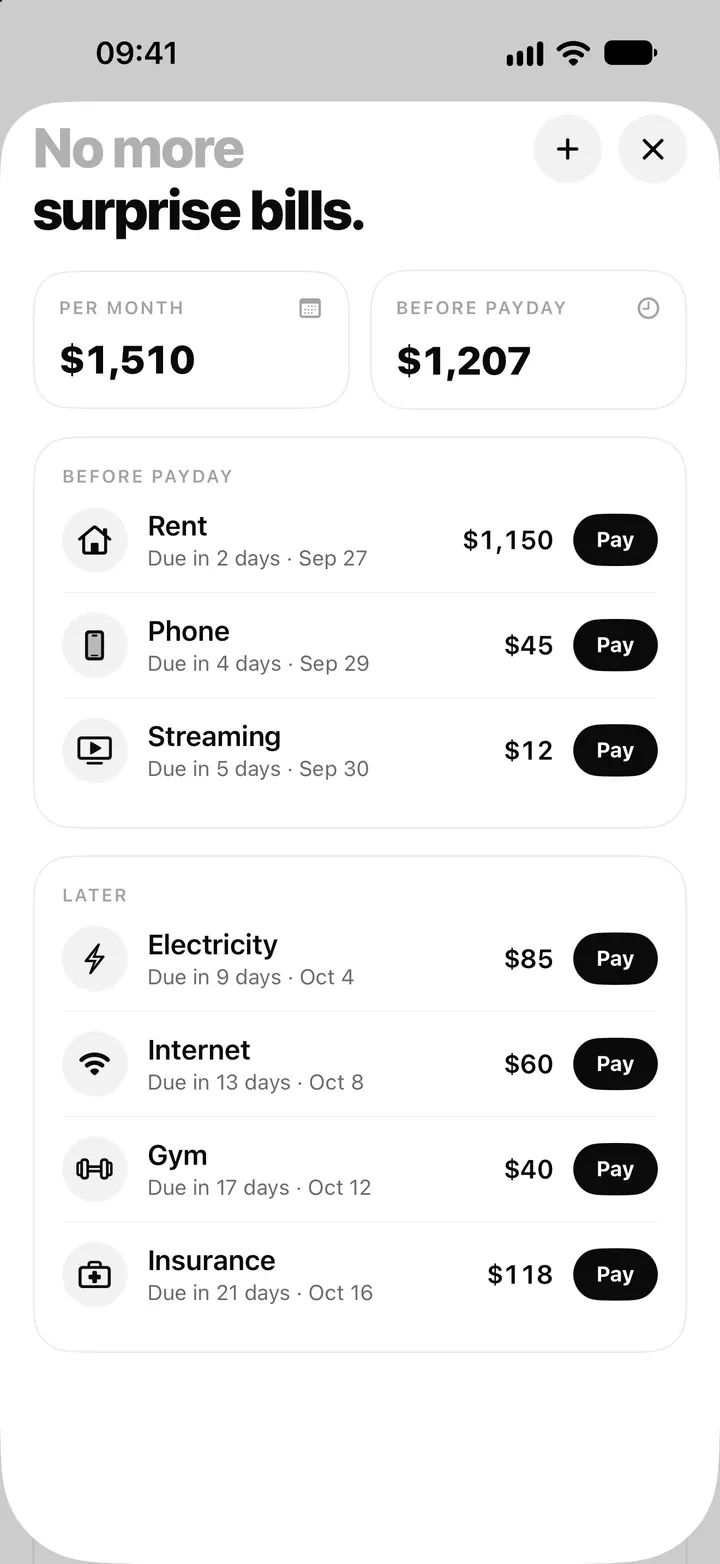
Bill tracker on iPhone: add bills, see what's due and tap Pay in Flowjar
Flowjar lists every bill by due date, before and after payday, and logs a payment with one tap on Pay, with Undo. Here is how the Flowjar bills tracker works.
Read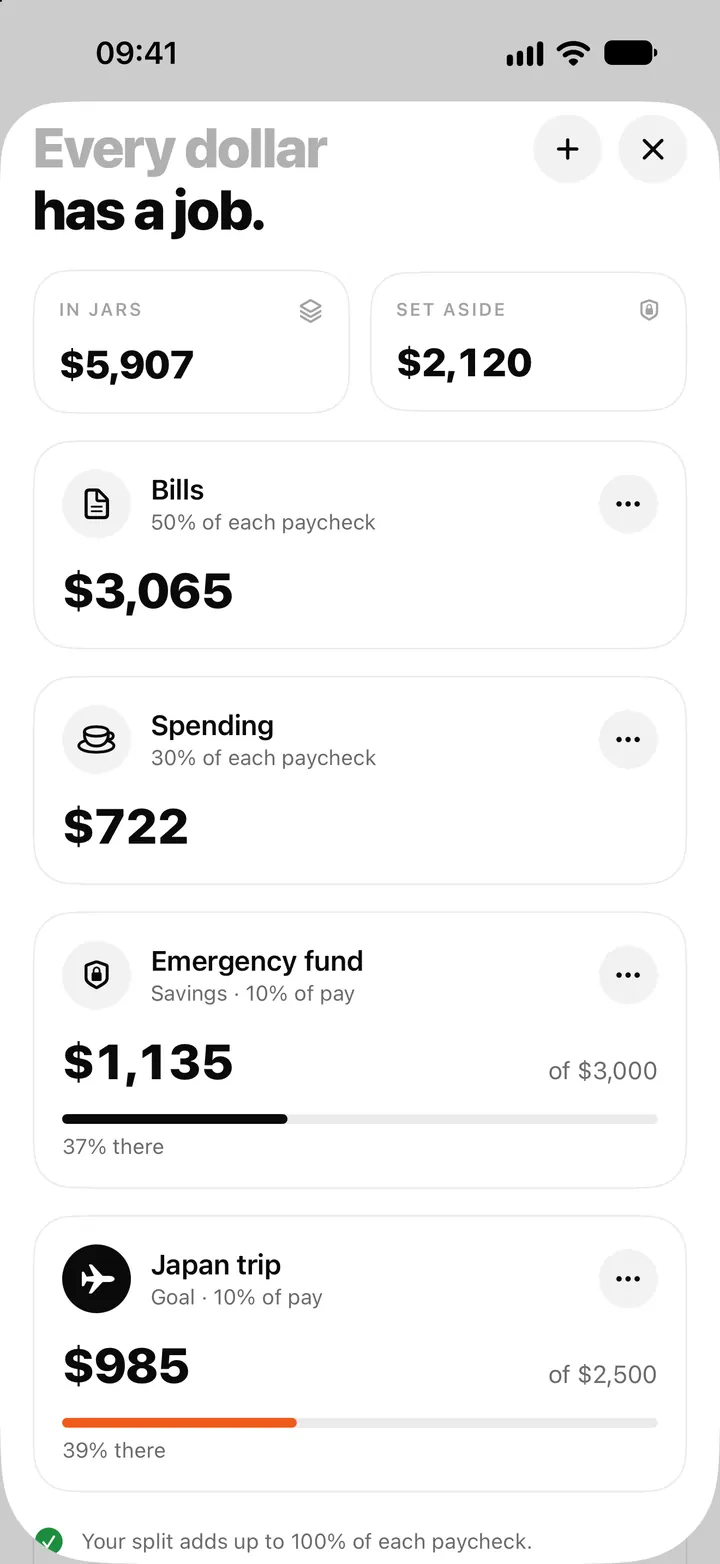
Money jars in Flowjar: split each paycheck into bills, spending and savings
Flowjar splits each paycheck across jars for bills, spending, savings and goals. Learn the four jar types, how shares work and what each does to Safe to spend.
ReadHow to Use the Flowjar Loan Calculator Correctly
Use a loan calculator with the Flowjar forecast without confusing an estimated payment with the full cost or real obligation.
Read guide