Bill reminders on iPhone: Flowjar's day-before and payday notifications
Flowjar can remind you at 9:00 the day before each bill is due and on payday. How to turn bill and payday reminders on, set them per bill, and what they do.
Short answer
Turn on Bill and payday reminders in Flowjar's Settings and allow notifications. Flowjar then sends a notification at 9:00 the day before each bill is due, for example Rent is due tomorrow, and one at 9:00 on payday that says It's payday. Each bill has its own Remind me the day before switch. Reminders are off until you turn them on.
A bill list only helps if you look at it. Reminders bring the list to you at the moment it matters: the morning before a bill is due, and the morning your paycheck lands. Flowjar keeps them simple, with one setting for the whole app and one switch per bill.
What you get
| Reminder | When | What it says |
|---|---|---|
| Bill due | 9:00 the day before each due date | [Bill name] is due tomorrow, then Tap to review your bills and mark it paid. |
| Payday | 9:00 on your next payday | It's payday, then Add your paycheck and fill your jars. |
Tapping a bill reminder opens that bill in Flowjar. Tapping the payday reminder opens Today. Both are local notifications scheduled on your iPhone from the bills and payday in your plan.
Turning reminders on
There are two places to switch them on.
During setup, the screen Stay ahead of every bill previews the two notifications. Tap Turn on reminders and iOS asks whether Flowjar may send notifications. If you skip that screen, reminders stay off.
Later, in Settings, under Privacy, turn on Bill and payday reminders. If you haven't allowed notifications yet, iOS asks now. If you decline, the switch stays off.
Turn on bill and payday reminders
- On Today, tap Settings.
- Under Privacy, turn on Bill and payday reminders.
- Tap Allow when iOS asks about notifications.
- Open Bills, long-press each bill and check that Remind me the day before is on.
- Leave the app and come back once, so Flowjar schedules the reminders.
Check bills you added during setup
This is the step people miss. Bills you pick during setup take their reminder switch from your answer on the reminders screen. If you skipped reminders then, those bills were created with Remind me the day before off, and turning on the main setting later won't change them. Long-press each one on the Bills screen and switch it on.
Bills you add later with New bill have Remind me the day before on by default. The bills tracker post shows the editor.
How Flowjar schedules them
Flowjar refreshes its reminders each time you open the app, and when you change the setting. For each bill with reminders on, it schedules the next two unpaid due dates. For payday, it schedules the next one.
A few things follow from that:
- If you tap Pay on a bill, its next reminder moves to the following due date once Flowjar refreshes.
- If you don't open Flowjar for a long time, only the reminders scheduled at your last visit will arrive. Opening the app tops them up.
- If you turn off notifications for Flowjar in iOS Settings, no reminders arrive, even with the switch on in Flowjar.
- The time is fixed at 9:00. There is no setting for a different time or for reminding more days ahead.
What reminders don't do
Reminders are a nudge, not an action:
- They don't pay anything. Flowjar has no bank connection and no auto-pay. When you have paid, tap Pay on the bill so it moves to its next due date.
- They don't log your paycheck. The payday notification asks you to add it. Add it as income with Fill my jars on; see filling your jars on payday.
- They don't watch your spending. There are no alerts for overspending or a low balance. For that, check Safe to spend and the forecast's Lowest point.
FAQ
Why didn't I get a reminder for a bill?
Check three things: Bill and payday reminders is on in Settings, the bill's Remind me the day before is on, and notifications for Flowjar are allowed in iOS Settings. Bills added during setup may have their switch off.
Can I change the reminder time?
No. Bill reminders arrive at 9:00 the day before the due date, and the payday reminder at 9:00 on payday.
Can I turn off reminders for just one bill?
Yes. Long-press the bill on the Bills screen and turn off Remind me the day before.
Does the payday reminder add my paycheck?
No. Flowjar never logs income automatically. Tap the notification and add your paycheck yourself.
Download Flowjar and get a heads-up before the next bill is due.
Keep reading
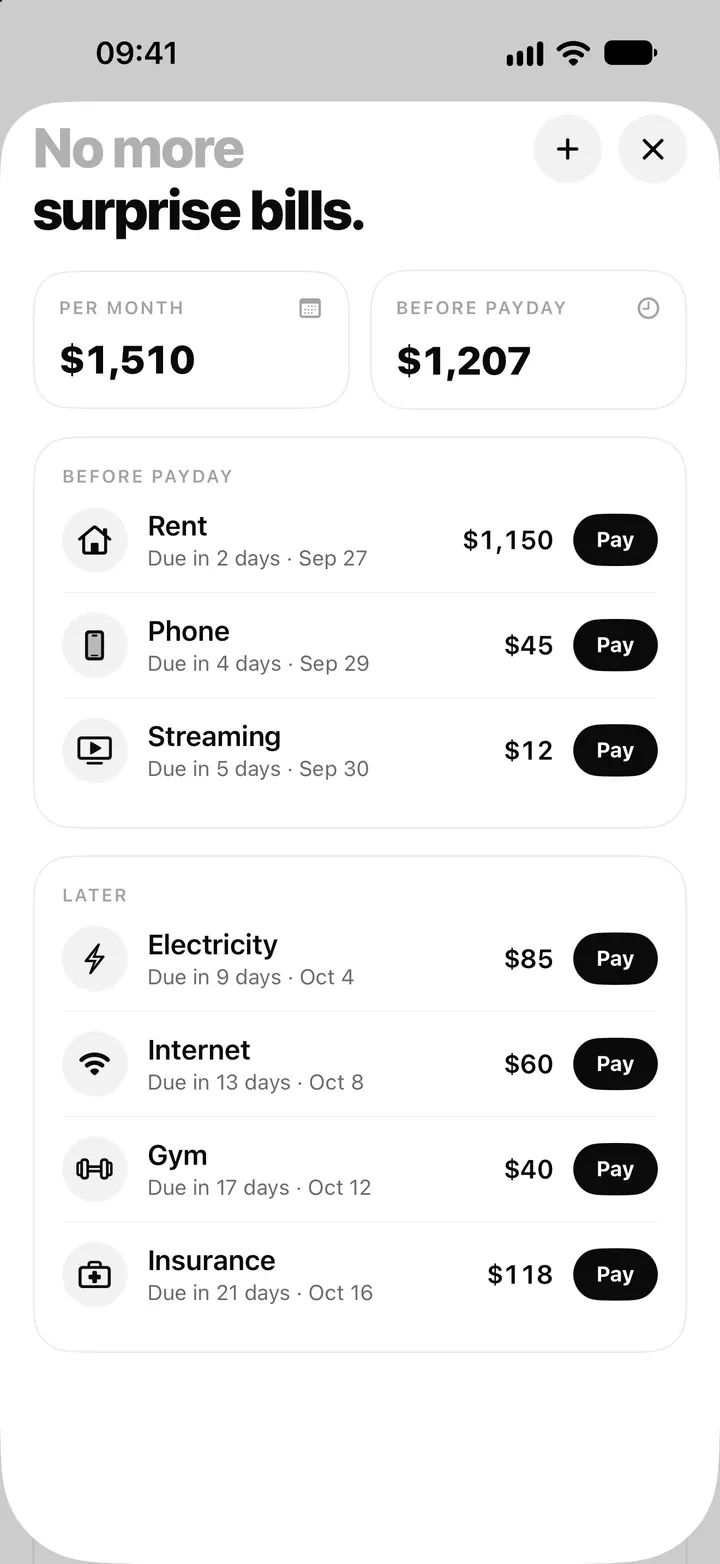
Bill tracker on iPhone: add bills, see what's due and tap Pay in Flowjar
Flowjar lists every bill by due date, before and after payday, and logs a payment with one tap on Pay, with Undo. Here is how the Flowjar bills tracker works.
Read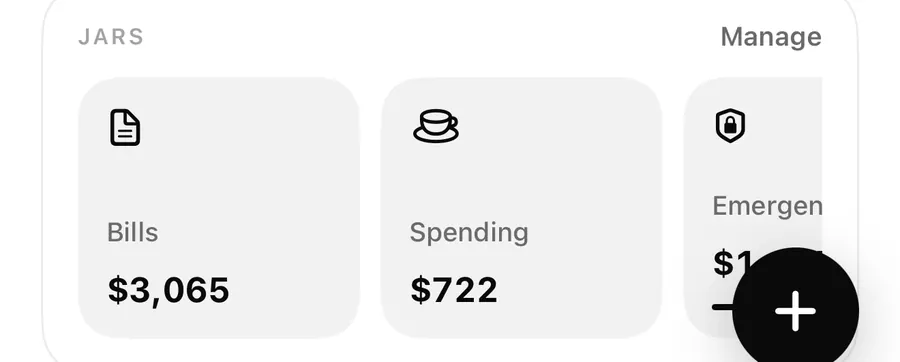
Fill my jars: log your paycheck and split it on payday in Flowjar
Flowjar never logs your paycheck by itself. On payday, add it as income with Fill my jars on and it is shared across your jars. Here is how, plus side income.
Read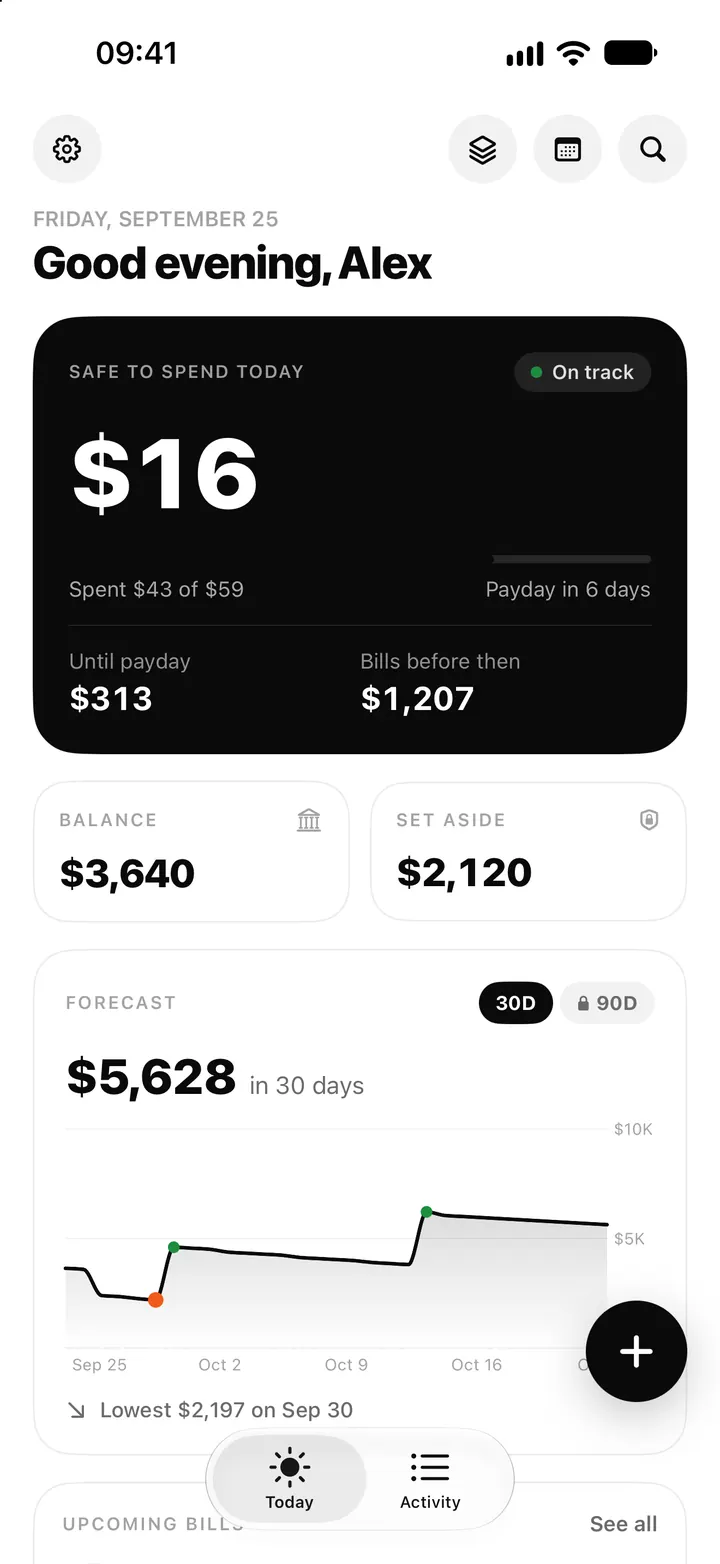
Safe to spend today on iPhone: how Flowjar works out your daily number
Flowjar takes your balance, sets aside savings and bills due before payday, and splits the rest over the days left. Here is how the Safe to spend number works.
ReadA payday budgeting checklist with Flowjar
Use Flowjar on payday to verify your balance, assign bills, review goals, keep a buffer and check the cash-flow forecast.
Read guide